Software DJ Guide
Introduction
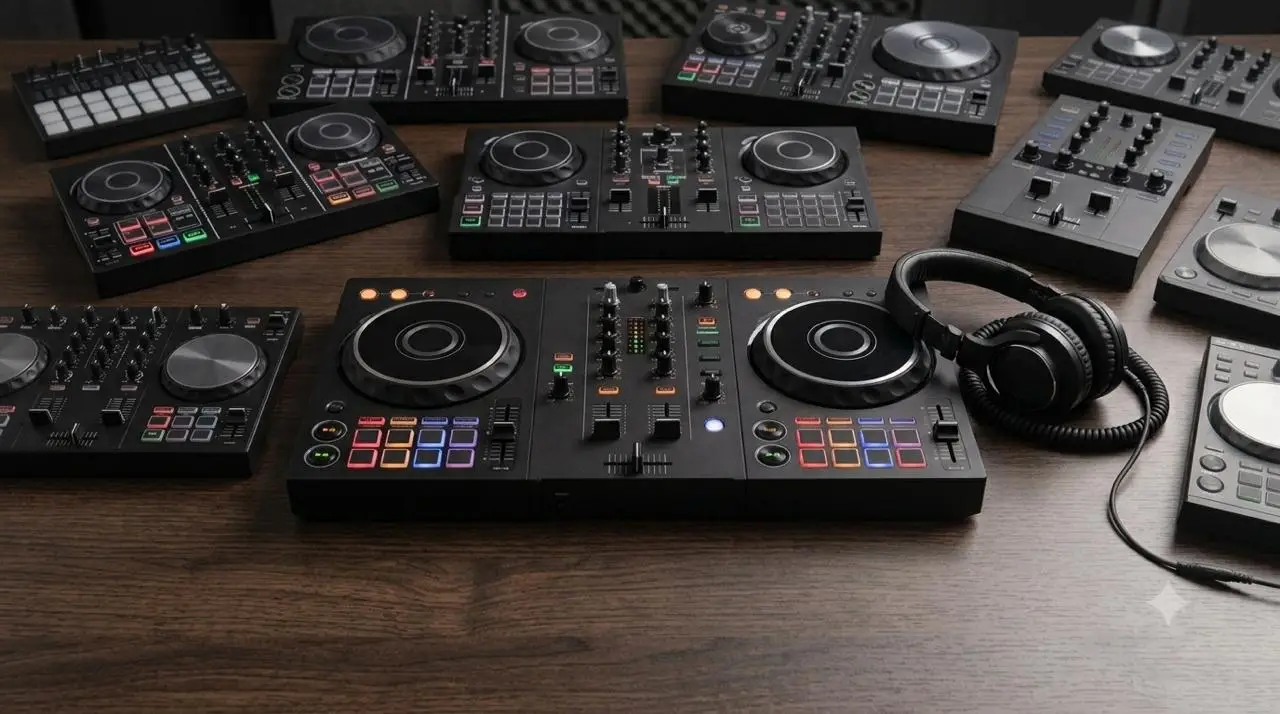
When you’re starting out in a new field, one of the most common challenges is knowing where to begin. In the world of DJing, there’s a vast array of equipment, different software options, and an overwhelming amount of information online that, rather than clarifying things, can sometimes end up creating even more confusion. Today, we’re going to focus on one of the key elements for any DJ: software. Technically speaking, some stand out for certain features, others for their portability, but they all let you do practically the same thing with a few minor differences.
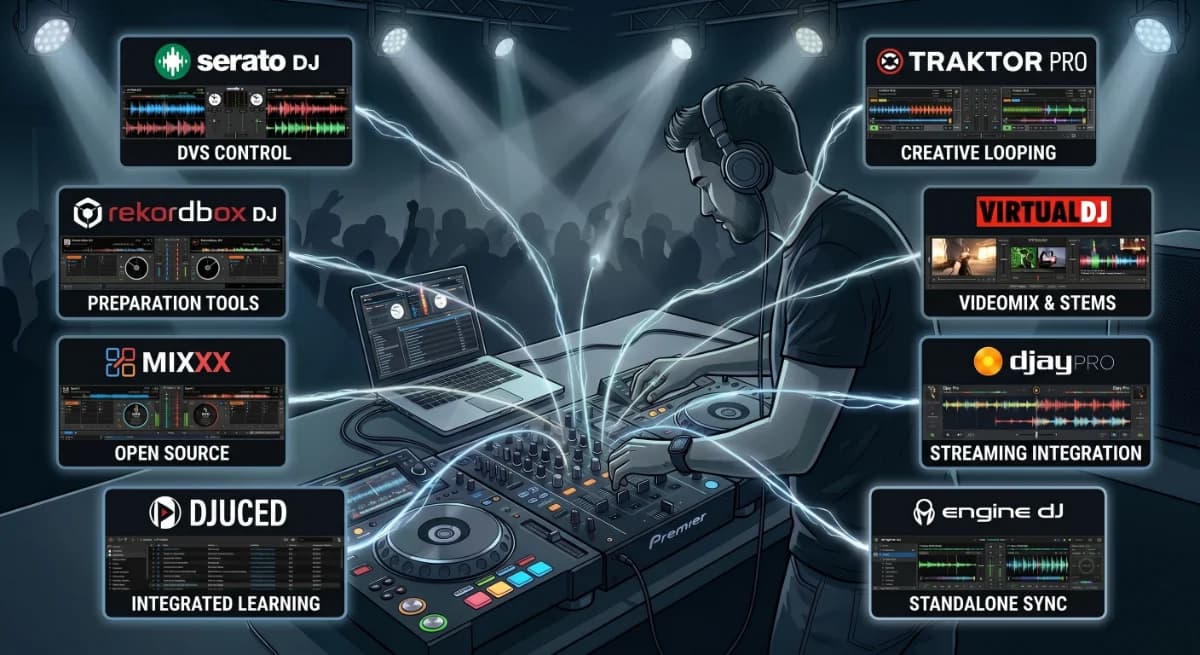
The most used software at professional level are Rekordbox, Serato, Traktor, VirtualDJ, and Djay Pro. There are also options like Engine DJ, DJUCED, and Mixxx, which can be very appealing depending on each user’s profile and needs.
Some of the companies that develop this software also manufacture their own hardware, which allows them to offer highly integrated and competitive solutions, a factor that often influences many users purchasing decisions, and explains why certain brands have a stronger market presence. Still, that doesn’t mean a less well-known software program can’t be the best fit for you.
That’s why, in this article, we’ll review the main features of each one to help you understand the differences and discover which might be the best option to get started.
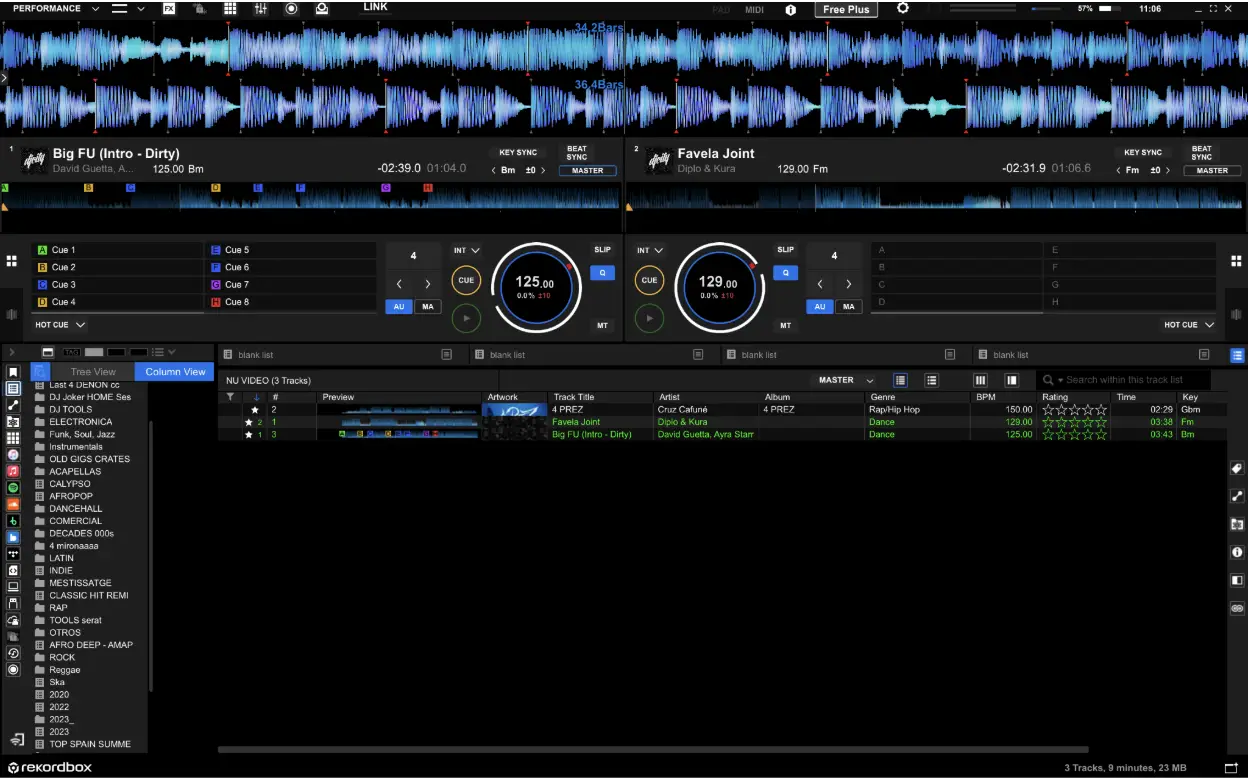
Rekordbox
Origin
Software developed by AlphaTheta (formerly Pioneer DJ) exclusive of its own equipment.
Platforms
- Desktop software for computers (macOS and Windows).
- iOS/Android app (allows DJing only with certain entry-level devices).
Key features
- File management and export to portable storage devices (USB drive, hard drive, cloud, etc.).
- Real-time audio separation (Stems).
- Allows mixing from multiple streaming services.
- Ability to manage via computer or mobile device.
Licensing
| Version | User profile | Access method |
|---|---|---|
| Free + Cloud Option | Basic | Allows music management and automatic free unlocking when connecting a controller or mixer (access to Performance options via Hardware Unlock). |
| Core + Cloud Option | Advanced | Payment via subscription. Includes full Performance mode, DVS control, DMX light control, and extra DJ features such as Intelligent Cue creation. License activatable on up to 3 devices. |
| Creative + Cloud Option | Professional | Payment via subscription. Includes cloud synchronization (Cloud Library Sync), Edit mode, vocal position detection, and video features, as well as RMX effects within the software. License activatable on up to 4 devices. |
| Professional | Elite / Enterprise | Payment via subscription. Offers unlimited cloud storage with Dropbox, automatic collection management, and license activatable on up to 8 devices. |
Most entry level controllers automatically unlock the “Performance” feature.
Strengths
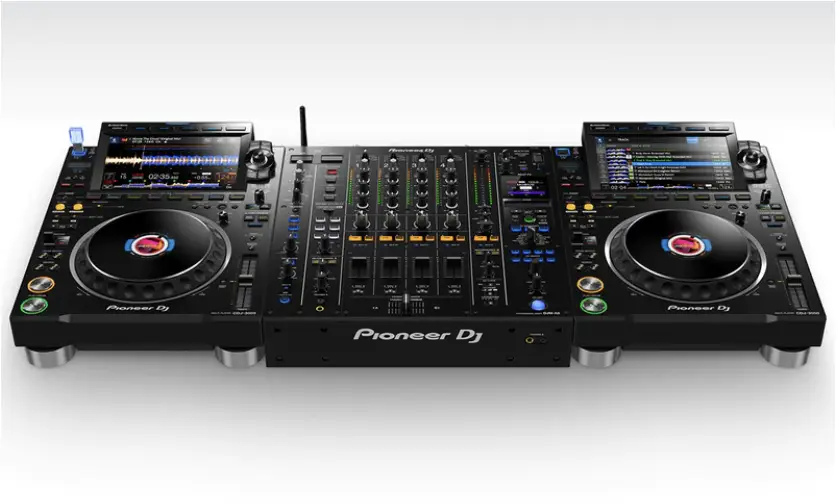
- AlphaTheta is the most widely used brand in the industry, and its equipment is found in most clubs and festivals around the world.
Weaknesses
- Subscriptions for advanced features or cloud usage.
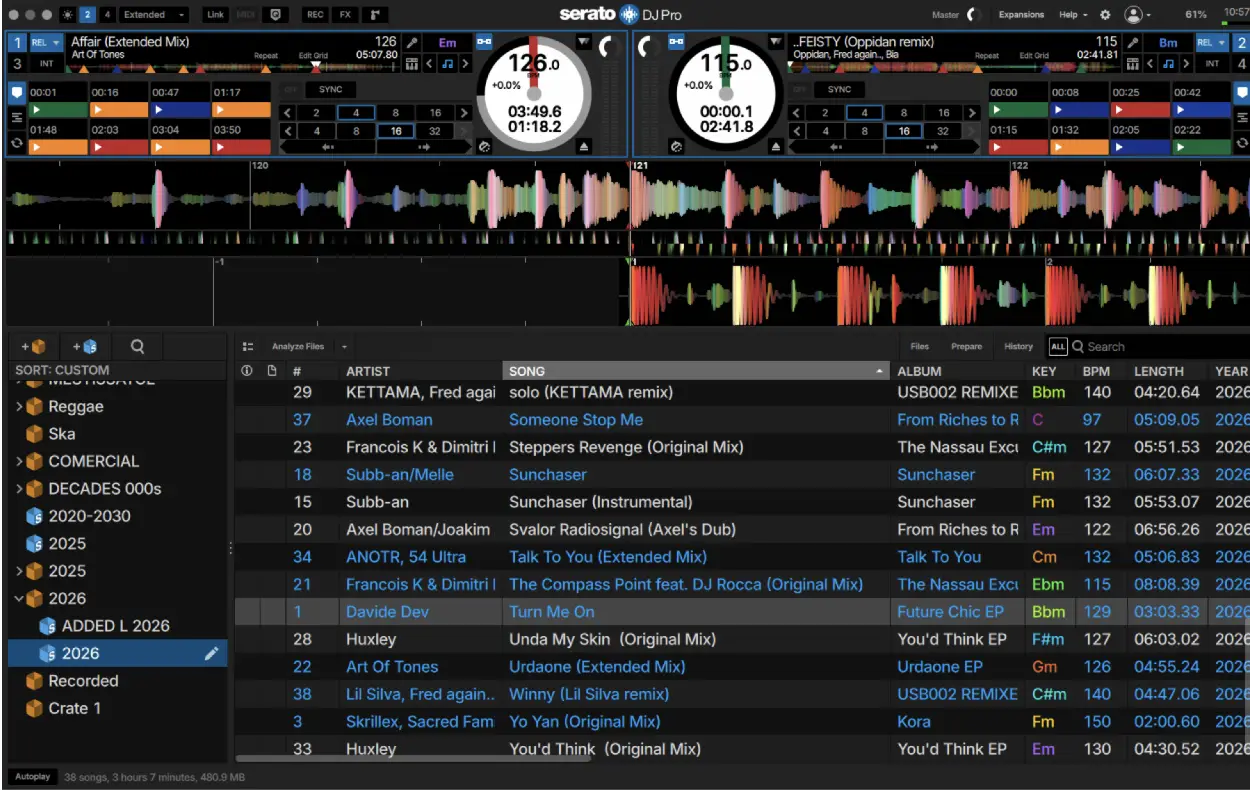
Serato

Origin:
A software company based in New Zealand.
Originally, they developed the Scratch Live software to control a computer using DVS (Digital Vinyl System) vinyl records, which was widely used by hip-hop and open-format DJs due to its reliability for scratching.
As a software company, they do not manufacture controllers, but they have partnerships with multiple leading hardware brands such as AlphaTheta, Rane, Denon DJ, Roland, and Numark, among others.
Platforms
- Desktop software for computers (macOS and Windows).
Key features
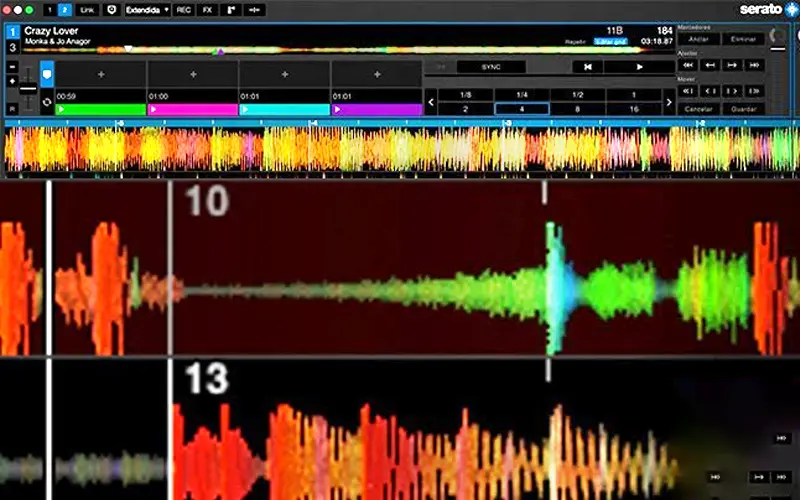
- Real-time audio separation (Stems).
- Very low latency.
- Allows mixing from multiple streaming services.
Licensing:
There are two different versions of the software:
| Version | User profile | Access method |
|---|---|---|
| Serato DJ Lite | Basic | Default software when connecting entry-level equipment and controllers |
| Serato DJ Pro | Professional / Advanced | Automatically unlocked for free when connecting a mid-to-high-end controller or mixer (Hardware Unlock) |
Any device can be used in the Pro version by paying for an upgrade. Expansions that are activated by default depending on the hardware, or available for purchase separately. Pro version also available via payment / subscription.
Strengths
- High-quality stems.
- The most reputable software for scratching, turntablism, and freestyle.
- Reliability during live performances.
Weaknesses
- Paid Extensions.
Traktor
Origin
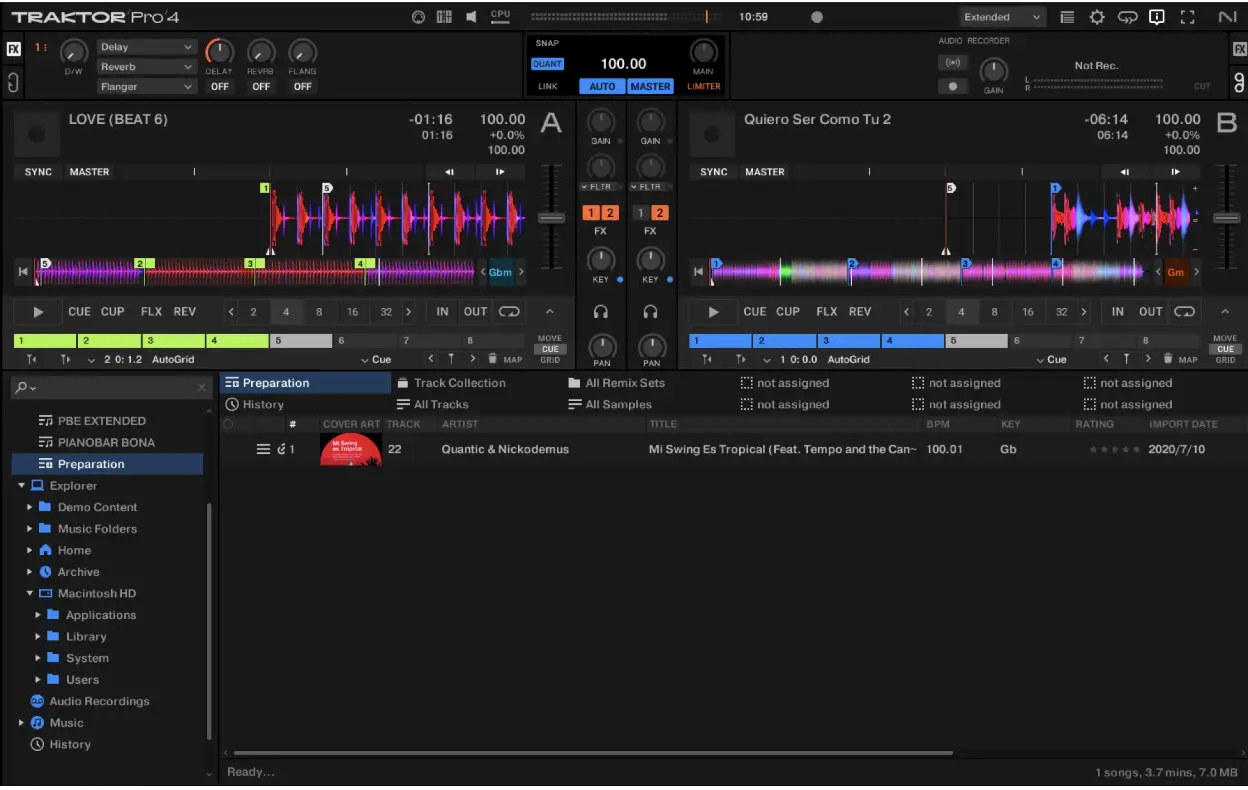
Software developed by Native Instruments, based in Berlin. One of the oldest DJ software and the successor to Final Scratch, an early DVS technology. Currently it belongs to InMusic company.
They got their own line of DJ controllers and also offer modular controllers (Kontrol series), offering excellent value for money.
Platforms
- Desktop software for computers (macOS and Windows).
- Mobile version Traktor Play
Key features
- Multiple MIDI customization and modular control options.
- Remix Decks feature for triggering patterns and clips, allowing live producing to a mix.
- Mixing from streaming services exclusively via Beatport.
- Audio separation (Stems) requires analyze and export.
Licensing
- Each device comes with a full license of Traktor Pro upon purchase.
- Traktor Play is only available as a one-time purchase.
| Version | User profile | Access method |
|---|---|---|
| Traktor Play | Beginner | Reducec version. Compatible with entry-level controllers such as the DDJ-FLX2, DDJ-FLX4, Reloop Buddy, and Reloop Ready. |
| Traktor Pro | Professional | Complete version. |
Strengths
- Useful for DJs who want to combine traditional mixing with production techniques.
- Multiple MIDI customization options.
Weaknesses
- The frequency of updates and the addition of new features is often much slower than the competition.
- Streaming available on only one platform.
Virtual DJ
Origin
Owned by Atomix Productions, founded in France and currently headquartered in the United States. It is one of the longest-standing software programs available and is compatible with virtually all equipment on the market.
Platforms
- Desktop software for computers (macOS and Windows).
Key features
- One of the best real-time audio separation (Stems) integrations
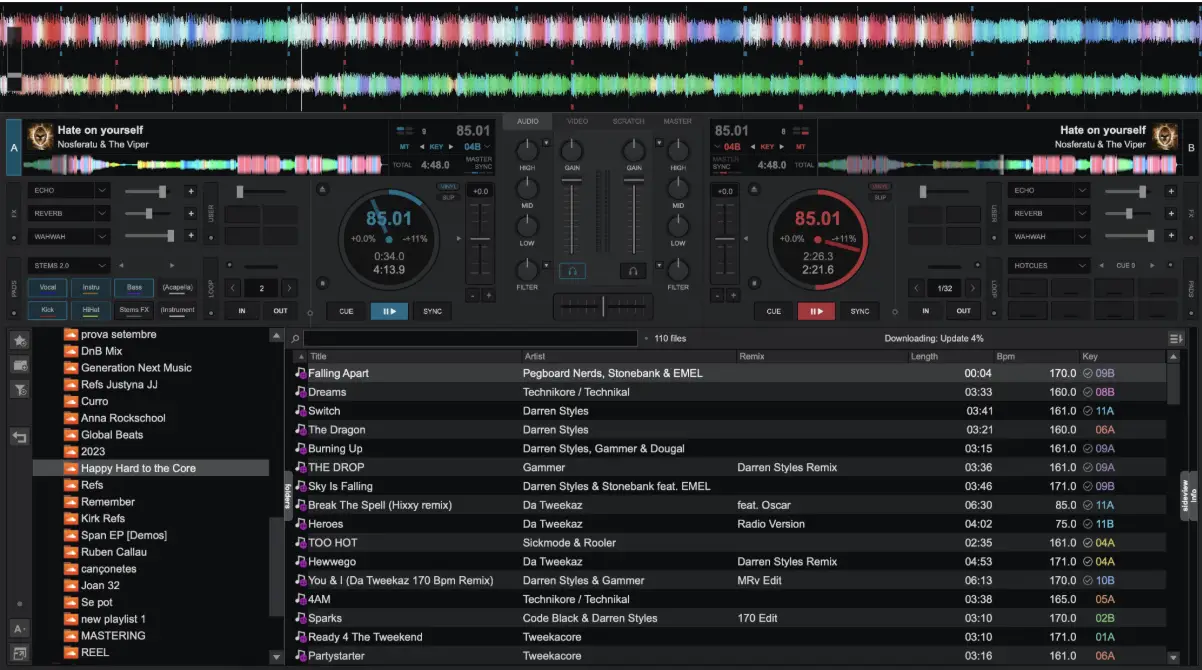
- Extreme customization: allows you to configure almost any aspect, both in terms of display and MIDI functions
- Professional management: allows you to export music (and stems) to external storage devices for use on Pioneer DJ standalone equipment.
- Allows mixing from multiple streaming services.
- The most comprehensive software in terms of features and customization capabilities.
Licensing
- Free to use with mouse control or in music management mode.
- Offers 3 types of paid subscription licenses:
| Version | User profile | Access method |
|---|---|---|
| Home | Beginners | Version for entry-level controllers. Includes audio cuts. |
| Pro | Professional / Advanced | Unlocks the use of any professional controller, support for multichannel configurations, and advanced features. |
| Business | Professional | Designed for service companies, wedding/event DJs, or businesses requiring a commercial license, priority technical support, and features tailored to professional environments. |
Strengths
- Highly customizable
- Compatible with almost all brands and models, and they continuously add support for all new devices.
- It does not have the brand restrictions or closed ecosystem found in other competitors.
Weaknesses
- A license fee is required to use it with almost every controller.
- Certain advanced features, cloud services, or updates may require a subscription model or recurring payments to stay up to date.
Djay Pro
Origin
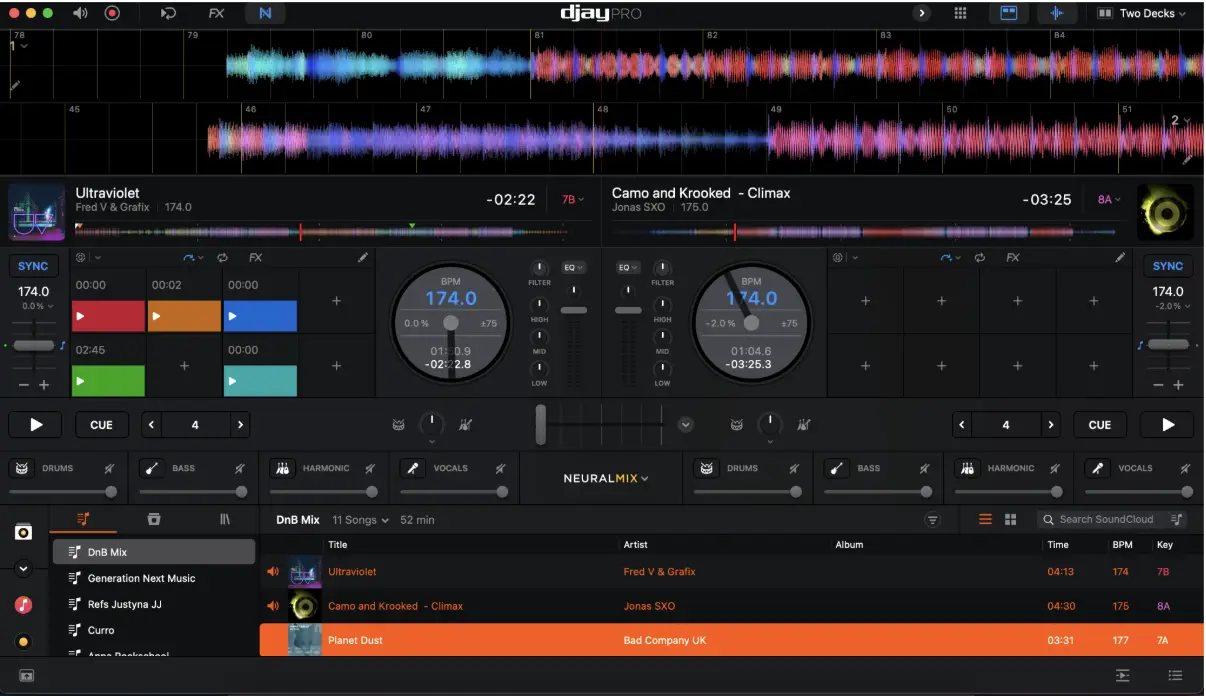
Software developed by the German company Algoriddim, based in Munich.
It was a pioneer as the first software designed specifically for touchscreens (iPads), enabling users to DJ with streaming music (originally Spotify).
It supports many brands and devices, although the go-to brand of equipment that works with all systems is Reloop.
Platforms
- Desktop software for computers (macOS and Windows).
- iOS/Android app.
Key features
- High portability across devices, with library and feature synchronization via the cloud.
- Real-time audio separation (Stems).
- Allows mixing from multiple streaming services.
- Automatic dynamic beatgrids.
Licensing:
- Annual subscription fee.
Strengths
- Portability
- Full functionality on mobile devices.
- Integration with multiple brands and equipment.
- Ability to control DVS via smartphone.
Weaknesses
- Some devices are not 100% compatible.
- Some devices do not work on iOS/Android.
- Dependence on internet connection.
Engine DJ

Origin
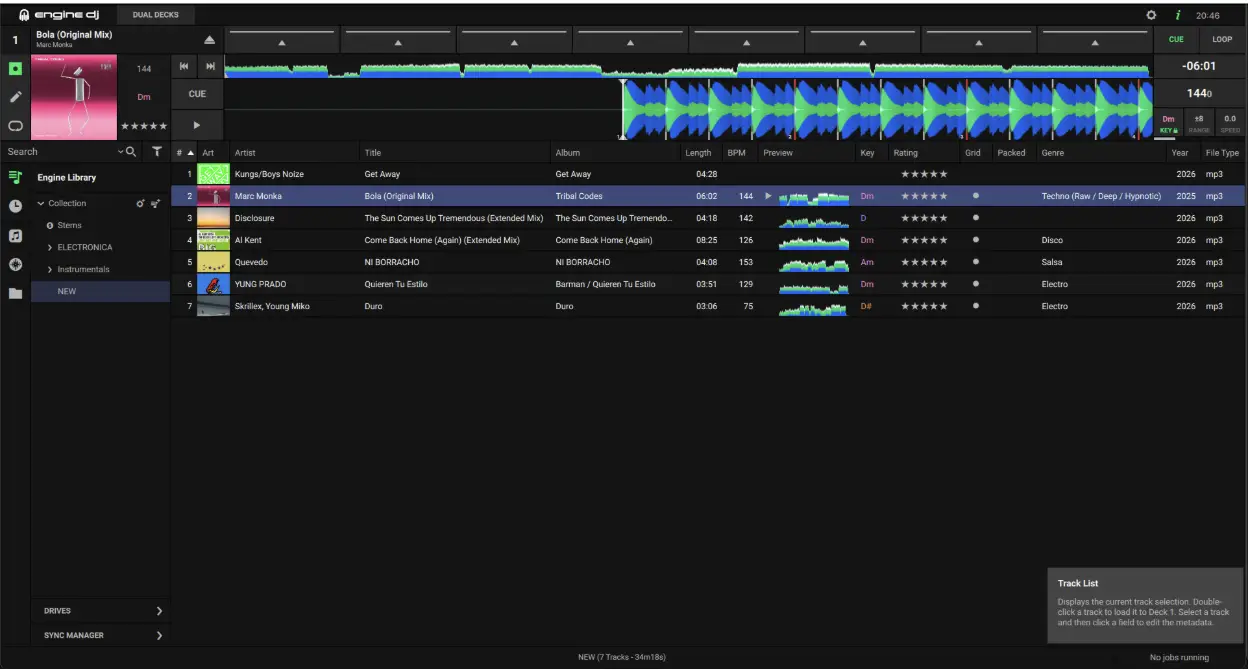
Originally designed to manage music on Denon DJ devices, it can now manage music for various standalone devices from Inmusic, the parent company of Denon, Rane, and Numark.
Platforms
- Desktop software for computers (macOS and Windows).
Key features
- File management and export to portable storage (USB drive, hard drive, cloud, etc.).
- Ability to use stems on the latest devices, following analysis on the computer and export to a USB drive or hard drive.
- Real-time analysis on players.
- Automatic import of Rekordbox libraries.
Licensing
- Free. You only need to pay for the use of the stems feature (one-time payment of €9.99 as of today)
Strengths
- Most Denon DJ devices that use the software as their controller’s operating system receive free updates, providing them with new features on a regular basis.
- Ability to control stems on standalone devices.
Weaknesses
- Stems separation doesn’t sound as good as in other software.
- Limited presence in professional DJ booths.
Mixxx
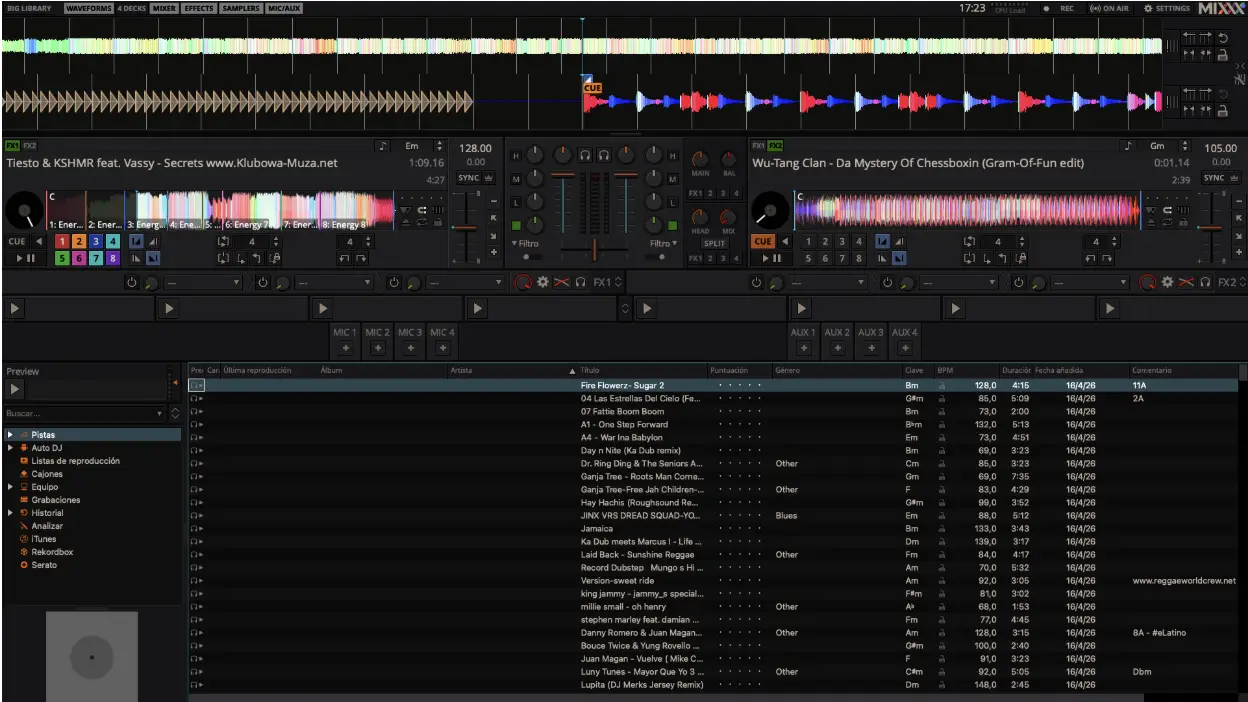
Origin
Free, open-source software. It works with most DJ hardware, and new features and support are provided by its community of users and developers.
Platforms
- Desktop software for computers (macOS, Windows, and Linux).
Key features
- Full customization of the software and interface.
- Ability to add and modify existing MIDI mappings and new devices.
- Audio separation (Stems) requires analyzing and export.
Licensing
- Free (Open Source)
Strengths
- The user community and its development efforts have made it possible to use the software on simple devices like the Raspberry Pi and integrate it into controllers, modified CDJs, etc. (see the project XDJ100SX)
- Customizable.
Weaknesses
- It does not have any hardware developed specifically for the software.
- It advances and updates at the timing that the user community can keep up, not at the pace of the market.
DJuced
Origin
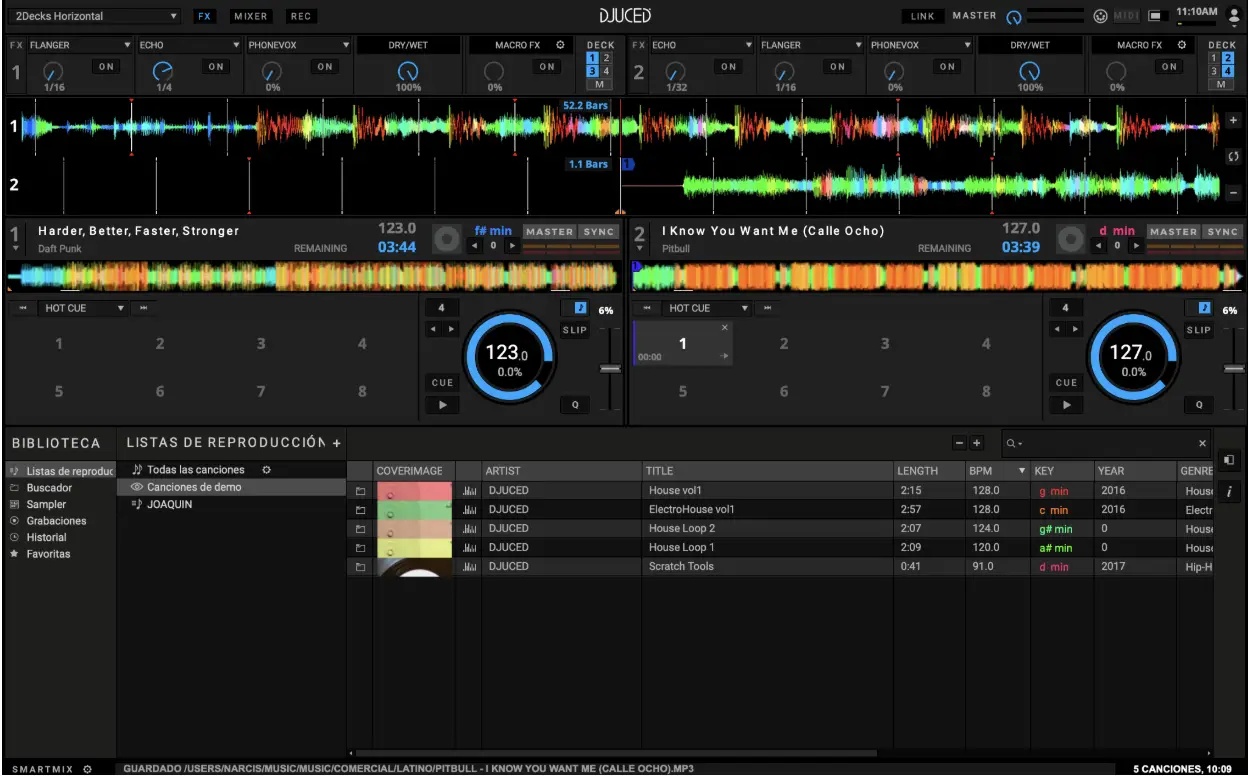
Hercules-branded software designed to work with its dedicated drivers.
Platforms
- Desktop software for computers (macOS and Windows).
Key features
- Real-time audio separation (Stems).
- Allows mixing from multiple streaming services.
- Track selection assistant.
Licensing
| Version | User profile | Access method |
|---|---|---|
| DJuced | Beginners | Free unlock with Hercules controllers. |
| DJuced Pro | Advanced | One-time payment for each software version. Includes multiple extra features: MIDI mapping, import from Serato or Rekordbox, VJ… |
| DJuced PRO+ | Professional | Monthly subscription payment. Includes unlimited updates and the Lyrics feature. |
Strengths
- Includes features to make mixing easier, which can help those new to DJing who want quick results.
- Easy to set up and use.
Weaknesses
- Limited to Hercules controllers.
- Certain advanced features are only available for a fee.
Recommendations
What’s next? We’ve looked at each software program, its unique features, and how they differ. Even so, if you’re still torn between several options, here’s a quick guide to help you decide which one might be the best fit for you.
Rekordbox If you’re committed to advancing in the DJ world, aspire to perform at clubs and festivals, and want to master the industry standard. It’s the AlphaTheta ecosystem, so you’ll find it in 99% of professional DJ booths.
Serato If you’re into scratching and your DJing style leans more toward freestyle. Plus, with the full license, you can continue using it officially with equipment from different brands.
Traktor If you’re looking for a more customizable environment and are particularly interested in peripherals, experimentation, and features closer to live performance and production.
Virtual DJ If you prioritize versatility and don’t want to be tied to a specific hardware brand. It’s a very flexible option compatible with a wide variety of equipment.
Djay Pro If portability is your priority. With a small controller and a smartphone, you can already DJ with a very complete setup. Plus, the music library syncs to the cloud, allowing you to start a session or prepare music on one device and continue on another.
Engine DJ If you want to DJ without a computer and you are looking for the best value for money, as well as an ecosystem that continues to receive frequent updates.
Mixxx If you’re into the open-source philosophy, enjoy experimenting with software, and value the ability to customize it to your liking, this is a powerful, free option supported by an active community.
DJuced If you want to get started without a big investment and are interested in visual aids and features designed to make learning easier.
Author
Subscribe to the newsletter
Receive resources, tutorials and exclusive content directly in your inbox.
Got questions?
Put it into practice and share it with the community
Academy
Want to go deeper?
Our courses are designed to take your sound to the next level. Learn the what, the how and the why.