Back to Resources
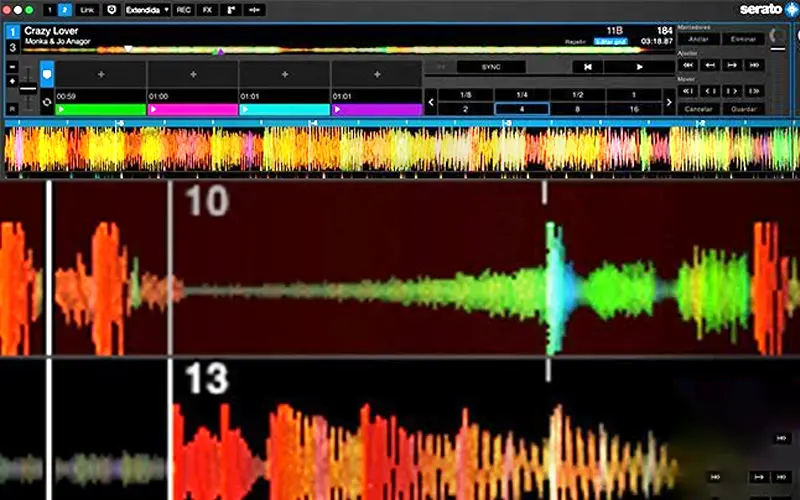
Edit the Beat Grid in Serato DJ
Properly configuring the grid is essential, so allow us to use various functions in a precise way and synchronized with the tempo of our project. A well-adjusted beatgrid facilitates the application of auto loops, effects, slicer and synchronization with samplers, as well as with external devices and software.
Practice loop for Serato
Author
Academy
DJ Beginner Course
Learn to DJ from scratch on your own controller or the Lab's gear, at your own pace and with your own music.
In-studio or online
Subscribe to the newsletter
Receive resources, tutorials and exclusive content directly in your inbox.
Community
Join DiscordGot questions?
Put it into practice and share it with the community